DictationAvailable
Write with your voice in any app
Hold Right Option and speak. The text lands at your cursor, and AI modes turn it into an email, a to-do list or English.
All about dictation
Hold a key, say what you mean, let go: Captylo pastes the text at your cursor in any Mac app. It also records your calls without a bot and keeps your voice notes. Free, with no word limit.
Can you send the offer before tomorrow's call?
Captylo is more than dictation. You write with your voice in any app, record meetings without a bot and collect voice notes. Captylo AI ties it all together so you can ask about it, and over MCP your own AI assistant can reach it too.
DictationAvailable
Hold Right Option and speak. The text lands at your cursor, and AI modes turn it into an email, a to-do list or English.
All about dictationMeetingsAvailable
Captylo records your microphone and the computer’s audio in Meet, Zoom or Teams. It writes the call down live, and afterwards gives you AI notes with decisions and tasks.
All about meetingsAI notesNew
Press ⌃⌥⌘N in any app and say what you want to remember. Type more, dictate more or tidy it up with an AI mode, and turn recordings from messengers into text.
All about notesCaptylo AI, MCP and API
Ask Captylo AI about what was said in your meetings and get an answer with the time stamp it comes from. Over the MCP server your own AI assistant reads the same data, and the API will open it to your automations.
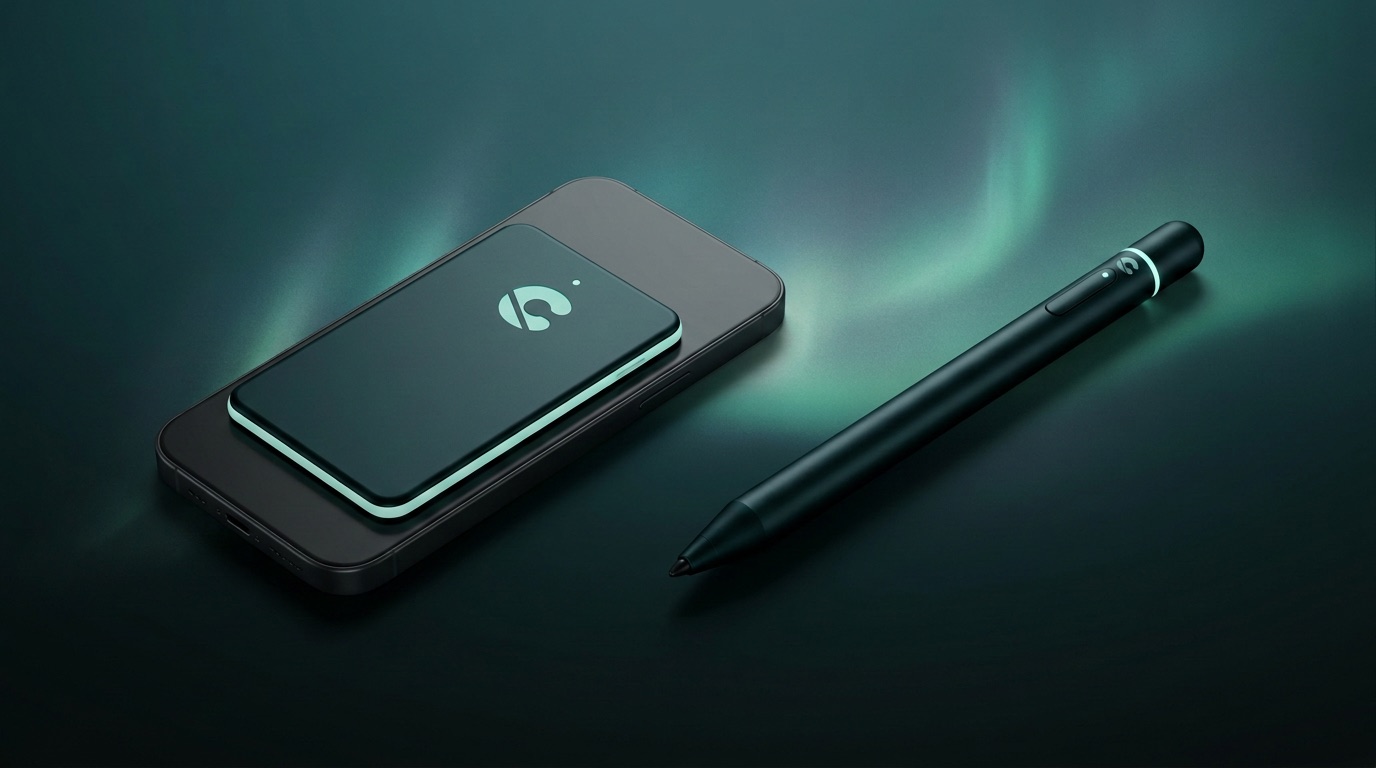
Captylo deviceComing soon
This is where we are heading: a thin card attached magnetically to your phone and a pen for your pocket. One button records a conversation, a lecture or a thought, and it all lands in Captylo as a transcript and a note.
What we are working on
Dictation in every app, AI modes and meeting notes. Best with the sound on.
Dictation and meetings on your Mac cost us nothing, so they cost you nothing. You only pay for the cloud and AI, in one plan.
Dictation and meetings on your Mac.
$0forever
No account, no card.
Dictation
Meetings
Cloud and AI. All in one plan.
$84/ year
$9/ month
That's $7 a month.
Cancel anytime.
Dictation
Meetings
Launch prices. A new account in the app gets 7 days of Pro for free, no card needed. Dictation on your Mac stays free, whatever happens.
Talk instead of typing, wherever you are: over coffee, on a train, in a meeting. Tap a card to watch it full screen.

Hi, I'm Dawid. I've been building digital products for over ten years, and these days I talk to my Mac more than I type on it: emails, prompts, notes. Over half a million words so far.
I couldn't find an app that really gets Polish, works without the internet and keeps my voice on my own computer. So I made one.
And one more thing: I wanted it to be beautiful. Dictation apps that work already exist, but this one is in front of me all day, so Captylo had to be a pleasure to look at too.
Dawid Kawalec
Captylo for Mac is free, with no account and no word limit. New versions arrive in the app.
Version 1.0.17 · macOS 14.4 or newer · Apple silicon · signed and checked by Apple